
To protect your information, the Raise portal uses Multi-Factor Authentication (MFA). MFA adds a second verification step (via SMS or email code) to protect accounts – to make sure that it’s actually you who is accessing your profile and employment information.
Passwords alone can be stolen, guessed, or reused across different sites, making accounts vulnerable. MFA adds a second verification step—such as a code sent to your phone—so even if your password is compromised, no one else can access your account. This extra layer of protection blocks more than 99% of account compromise attempts and helps ensure your sensitive information stays safe.
It’s an extra step – but the 30 seconds or so that it takes to sign in with MFA is worth it.
How does it work? #
- When you sign in to the Raise portal, you’ll first be asked for your email and password, then we’ll send a six-digit code to the phone number we have on file for you.

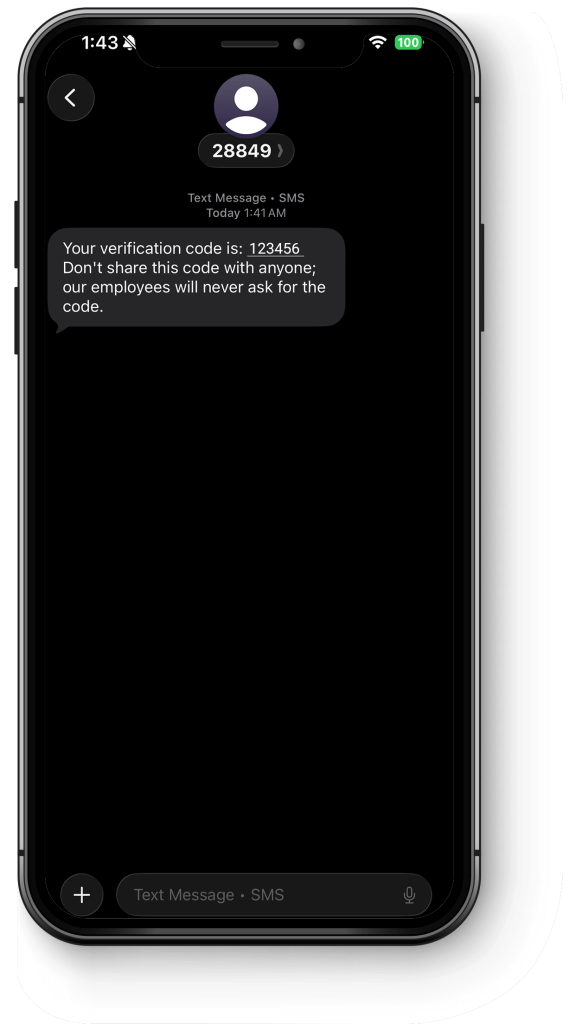
- You’ll receive an SMS (text) message with a six-digit code, and a reminder to not share this code with anyone – the Raise team won’t ask you for this code as we can’t enter it and sign in on your behalf.
- Enter the six-digit code, and click VERIFY.

If you’re having trouble #
If you don’t receive the code, reach out to us at support@raiserecruiting.com. We’ll verify that we have the right number for you, and walk you through the steps to update your number if necessary.